IJW Studios / Blueprint
Blueprint
Bots that build your designs on your Minecraft Bedrock Realm, in Survival, starting from an empty inventory. You choose the build and where it goes. They chop, mine, craft, smelt and place every block themselves.
- Version 2.0.0
- Windows 10 and 11
- Bedrock Realms
- One or two bots
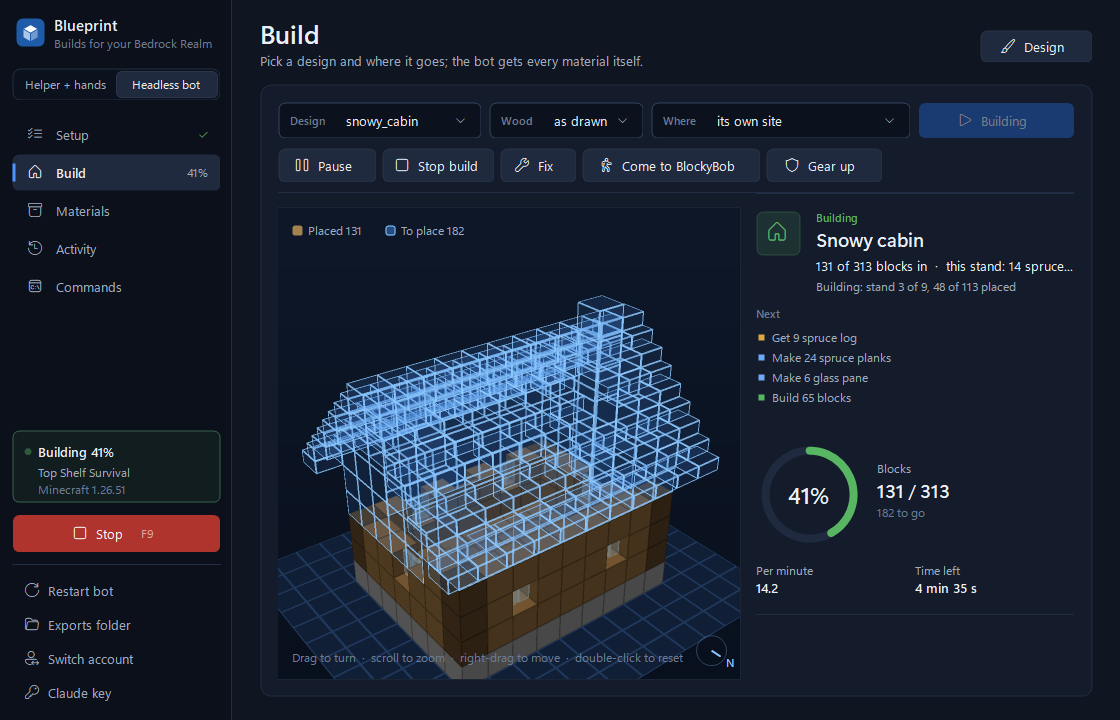
- The design in 3DBrown blocks are in, blue outlines are still to place. Drag to turn it.
- What the bot does nextEvery material, worked out back to raw logs and sand.
- ProgressBlocks placed, blocks per minute and the time left.
From an empty inventory to the last block.
Press Build and Blueprint plans the whole job, then works through it the way a player would.
- It costs out the design.Every block is traced back to what it's made from: stairs to planks to logs, glass to sand.
- It fetches what's missing.Trees are felled the way a player does it. Ore comes from a single mine with one tidy entrance, so the land around your build stays intact.
- It makes the parts.It puts down a crafting table, smelts in up to four furnaces at once, and builds what it can while they run.
- It builds, layer by layer.Stairs, slabs, doors and trapdoors go in facing the way the design says. After a restart it carries on from the blocks already placed.
- It looks after itself.It eats, makes its own sword, keeps its kit topped up, and fights whatever turns up at night instead of hiding.
- Two bots can share the work.Add a second bot and one lays blocks while the other keeps it supplied.
Where designs come from
-
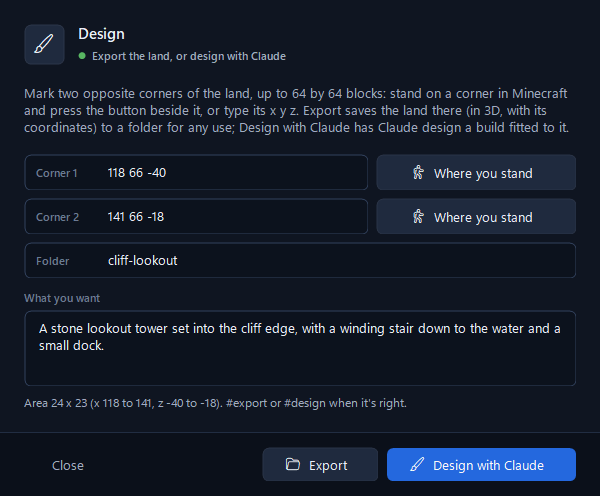
Describe it
Stand on two corners of your land (up to 64 by 64 blocks) and write what you want. Claude designs a build that fits the land: set into the slope, round the trees, down to the water. You'll need your own Anthropic API key for this.
-
Import it
Load
.schemfiles from WorldEdit or Litematica, or.mcstructurefiles from structure blocks. -
Export it
Save the land in 3D, with its coordinates and every block, and take it into whatever you design with.
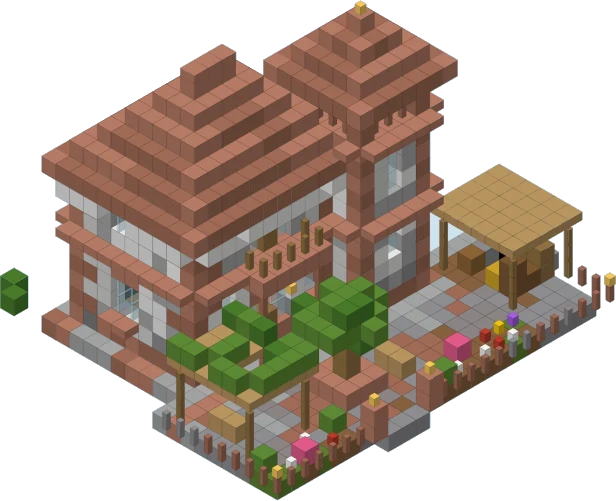
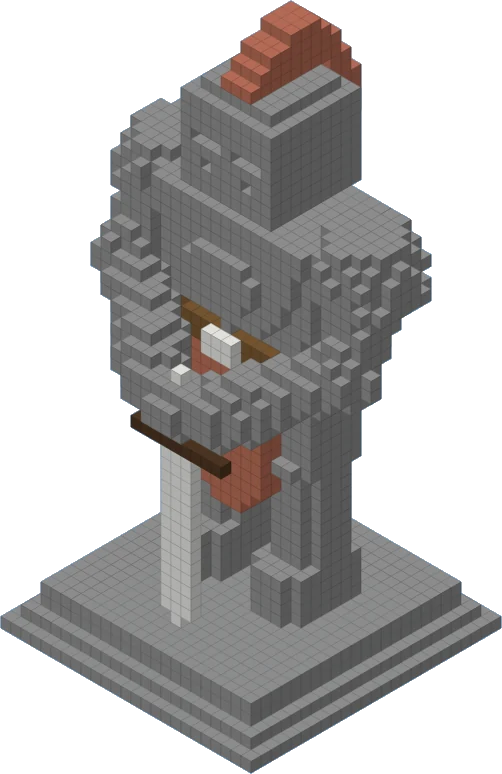
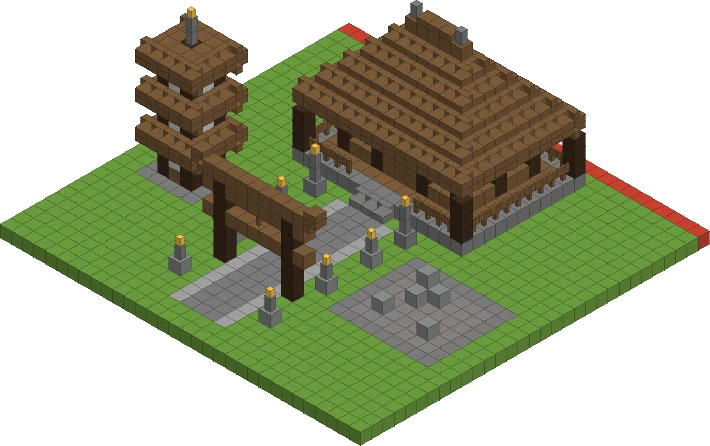
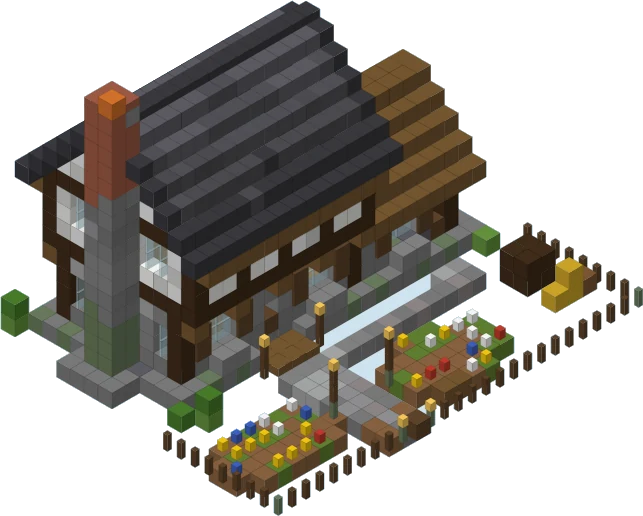
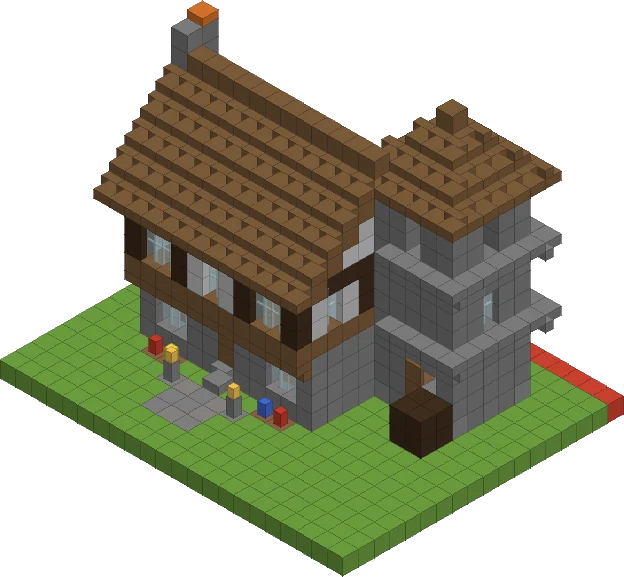
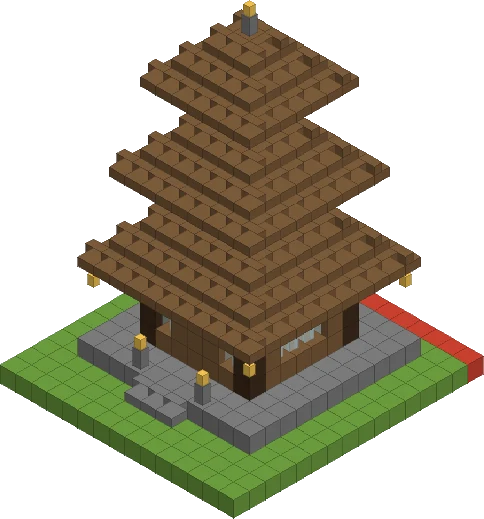
Some designs from our test Realm
Drawn straight from the design files. The bot builds them block for block, in Survival.
Setting up
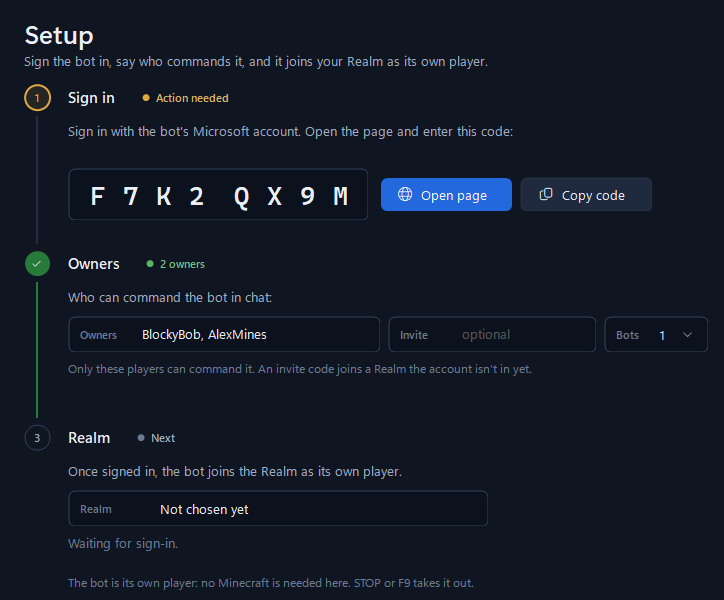
Three steps. The sign-in is remembered, so you only do this once.
-
Sign the bot in
Blueprint shows a code. Open Microsoft's page, enter it and sign in with the bot's account. Your password only ever goes to Microsoft.
-
Say who's in charge
List the players who can command the bot in chat, and invite its account to your Realm (or give it an invite code).
-
Build
The bot joins your Realm as its own player. Pick a design, pick where it goes and press Build. Stop, or F9, takes it out at any time.
You don't need Minecraft open on the PC that runs Blueprint. The bot is a player in its own right.
What you need
- PC
- Windows 10 or 11, or a Windows virtual machine.
- Realm
- A Minecraft Bedrock Realm you own or are a member of.
- Licence
- A Blueprint key, from 1 day to 90 days. One key works on one PC.
- Bot account
- A separate Microsoft account for each bot, set up to play Minecraft Bedrock and invited to your Realm. Run one bot, or two to share the work.
- Internet
- Blueprint checks your licence key each time it opens.
- Claude
- Optional. Your own Anthropic API key, only if you want Claude to design builds for you.
Good to know
- Windows warning
- Blueprint isn't code-signed yet, so the first time it opens Windows says "Windows protected your PC". Click More info, then Run anyway. You can check your copy against the SHA-256 below.
- Minecraft's rules
- Automated play may go against Minecraft's terms. Use Blueprint on Realms you own or have permission to build on. The accounts are yours, and so is the risk.
- Control
- Only the owners you name can command the bot. Stop, or F9, ends whatever it's doing.
Get Blueprint
Pick how long you want it for. You pay once and nothing renews. Your key shows on screen as soon as you've paid, and we email it to you with the download.
Checkout couldn't start just now. Please try again in a minute, or email [email protected].
- One key, one PC
- The time starts when you pay
- Card, Apple Pay and Google Pay, through Stripe
- New PC? We'll move your key
Already have a key?
Download the launcher. It asks for your key, then fetches the rest of Blueprint by itself and keeps it up to date.
Download the launcher- File
- Blueprint.exe (launcher), 242 KB
- Launcher
- 1.0.0
- Blueprint
- 2.0.0
- Runs on
- Windows 10 and 11
- SHA-256
- 37768b3f46c87043554503dba9f35619bc5cbc0a66d808957c3b91e4b29a980a
What's new
2.0.0
October 2026- Realm Builder is now Blueprint, with a new window and a new icon.
- Your build in 3D on the Build page, before and while it goes up.
- The Design window: mark out the land, export it in 3D, or have Claude design a build that fits it.
- Two bots on one build: one lays blocks, the other supplies them.
- Licence keys. The key is asked for each time Blueprint opens, and nothing is kept on the PC.
- Blueprint lets you know when a newer version is out.
Questions
Does it work with Java Edition?
No. Blueprint is for Minecraft Bedrock Realms only.
Does Minecraft need to be running on my PC?
Not for the bot: it joins your Realm as its own player. Blueprint also has a "Helper + hands" mode that drives a Minecraft window on the same PC instead, if you'd rather do it that way.
Can I watch it build?
Yes. Join the Realm and watch it work, or follow along on the Build page, which shows the design filling in layer by layer.
How do I stop it?
Press Stop in Blueprint, or F9. In "Helper + hands" mode, any key press or click takes over at once.
When do I get my key?
Straight away. It shows on screen as soon as you've paid, and we email it to you with the download link. Nothing in your inbox? Check spam, then email us.
Does it renew?
No. A key lasts the time you bought, counted from when you paid, and then stops. Nothing is charged again. Buy another whenever you want more time.
Can I move my licence to a new PC?
Yes. Email us and we'll move it across.
Do I need a Claude account?
Only if you want Claude to design builds for you. Importing .schem and .mcstructure files, and building designs you already have, works without it.